Create a new Personnel Classification
Billings will receive all operational resources associated to personnel, including Trade and Craft lists, from InEight Platform. Both Trade and Craft will populate the Personnel Classification library. However, it may be necessary or desirable to add additional classifications or organize the Trade and Craft items received from Platform into a deeper structured format.
Create a new Personal Classification
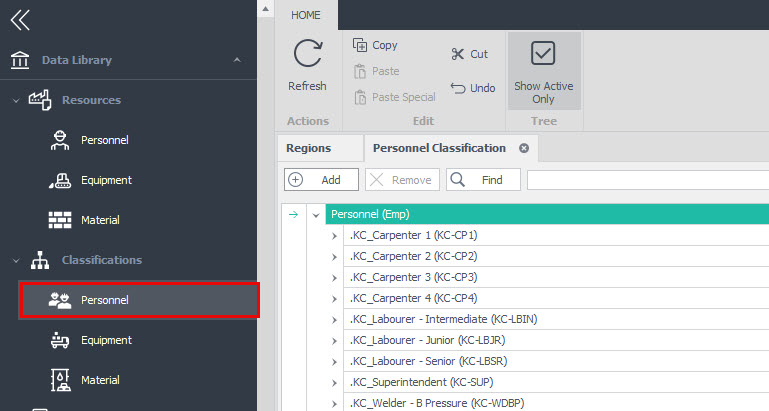
1. Open the Data Library menu item and select Classifications > Personnel.
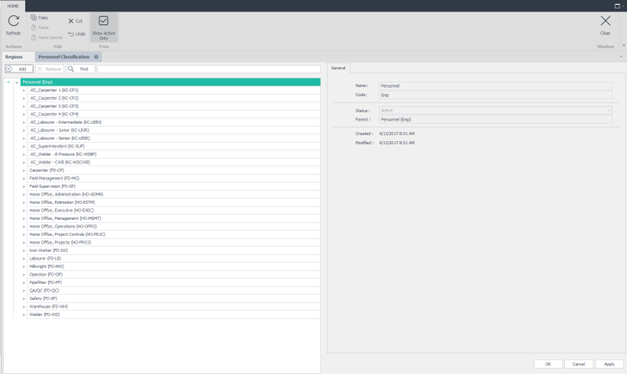
2. The Personnel Classification tab appears. This tab lets users view all records and create new or edit existing personnel classifications that were configured for billing purposes.
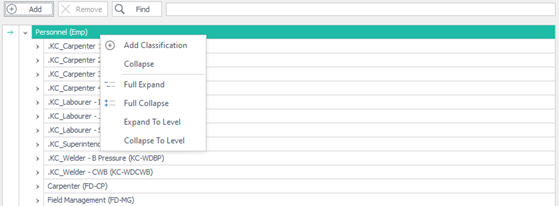
3. Right click the Personnel (Emp) icon and select Add Classification from the dialog box or click the Add button located just above the list of classifications.
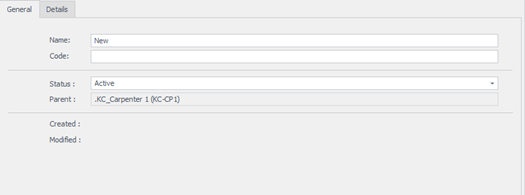
4. On the General tab, enter the Description and Code. The Status field automatically defaults to Active and the Parent field is grayed out and will automatically default to the appropriate parent node from the classification tree.
5. You can create classification structures by dragging and dropping individual classifications into other classifications, building up a tree or folder-like structure. This lets you group classifications.
6. Click the Details tab. This section is used to capture custom field values.
7. Click Apply or OK at the bottom of the page to save your changes.